01
Find your track
Search by name or discipline. Open the screenshots and read the description before you choose.
Browse track releases, check the screenshots, and find your next line. Built for riders who just want good tracks.
Browse tracks ↓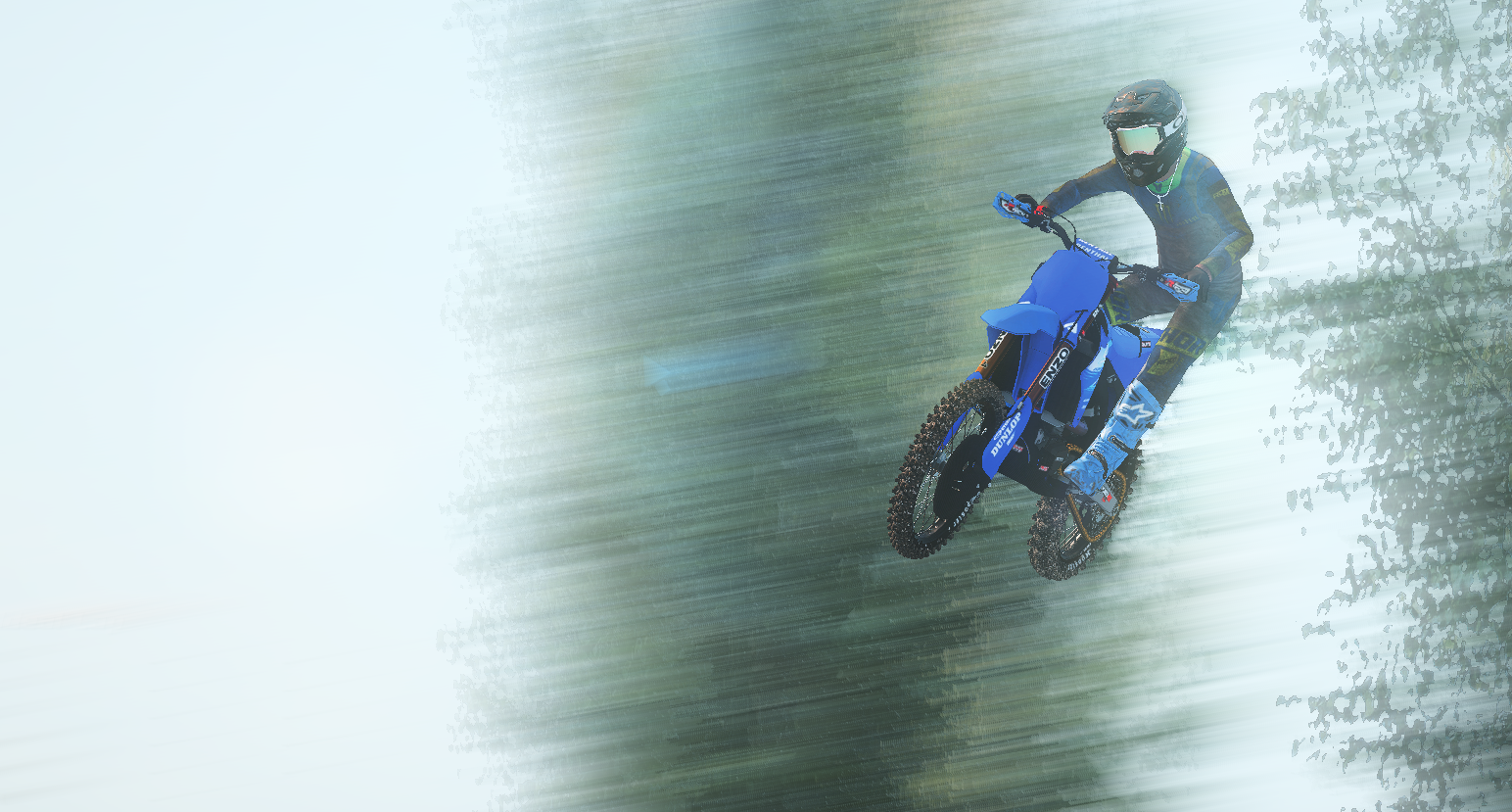
Jump straight to the kind of track you're looking for. Your next favorite might be one click away.
JT TRACKS brings the track library, screenshots, graphics and gear links together in one place. Save the tracks you like, come back to recent views, and share a link with your riding crew.
Explore the library ↓Browse the library by discipline. Public counters show clicks on download or payment links, not verified completed downloads.
Graphics kits, gear, and rider-made designs shared by the JT TRACKS community. Public counters show clicks on listing links.
A simple path from finding a track to getting it into your game.
Search by name or discipline. Open the screenshots and read the description before you choose.
Use the track's download or payment button. Paid listings may use an external provider and require manual proof-of-payment verification.
Follow the track creator's install notes when provided. Back up your game files before changing folders or replacing content.
Quick answers for browsing, saving, and downloading.
Use the discipline buttons above the library, or choose one of the quick category cards near the top of the page. Search also checks track names, categories, and descriptions.
Track favorites and saved graphics/gear listings sync to your JT TRACKS account when you are signed in. Recently viewed tracks remain saved on this browser and device.
No. The public counter records clicks on a download or payment link. It does not verify a completed download, a successful payment, or an installation.
Paid track buttons open the configured payment link. The current flow may require you to contact the JT TRACKS Discord with proof of payment; payment is not automatically confirmed by the website.
Some external sites block embedding. If an embedded shop doesn't load, use the site's own supported listing or open it directly in a new tab when that option is available.
Check the JT TRACKS community channels for submission details. Include a clear track name, discipline, screenshots, a short description, and installation notes if you have them.
Browse the website freely. An account is only needed for account-only features like saving favorites and saved listings across devices.
You're signed in. You can log out here whenever you want.
Manage published tracks, update titles and descriptions, reuse your last thumbnail, and choose a payment link for paid tracks. Changes here are admin-only. External payment links require manual payment verification; they do not automatically confirm a buyer paid. Paid-track buyers are directed to the JT TRACKS Discord to send proof of payment.
Add graphics kits, gear, and rider products to the public catalog. Use image URLs and a public product or contact link. Only admins can manage these listings.
If Backyard Designs blocks embedded viewing, their shop may not display inside this panel. The original shop and checkout remain hosted by Backyard Designs; this workspace does not copy their private store systems.
Create original colorways for bike graphics and riding gear. Preview your design, save drafts in this browser, and export SVG or PNG artwork.
Saved drafts stay in this browser only. Export your artwork to keep a backup. This is an original concept mockup tool, not a production-ready print template for a specific bike model.
No saved designs yet.
Live preview updates as you change colors, style, rider name, number, or product. Choose SVG for editable vector artwork.
Paste your own public payment links. Leave a field blank to hide that option from visitors. These are payment links only, not a built-in checkout.
Customize the look, readability, motion, layout, and optional background music. Your choices stay saved in this browser.
Choose a generated instrumental vibe. Audio is created locally in your browser, requires no external audio files, and only starts when you press play. These are synthesized soundscapes, not commercial recordings.
Music is off.
Track comments
Choose a track to read the community and leave a comment. You must be signed in to post.
Select a track to see comments.